Your comments


Hi
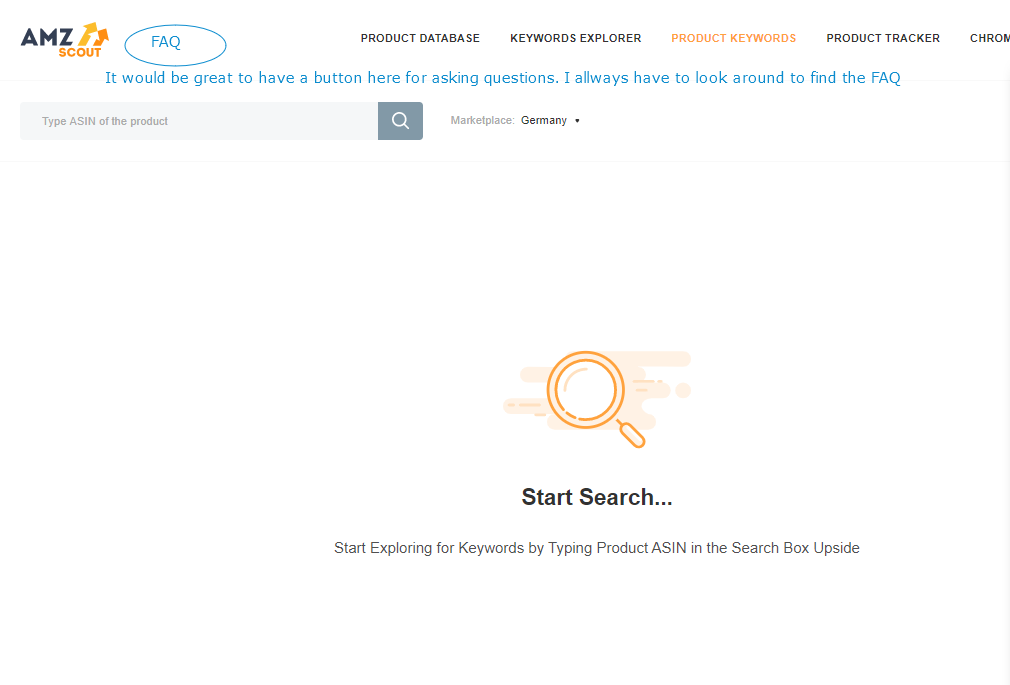
it would be great to have a button for Feedback / FAQ on the web app
THANKS FOR YOUR ANSWER. THE VIDEO I ALREADY WATCHED AND MY QUESTIONS ARE NOT ANSWERED. MAYBE i'm NOT CLEAR ENOUGH WHAT IS MY ISSUE.
FOR ME IT IS NOT CLEAR TO HAVE TWO DIFFERENT IMAGES OF THE PRODUCT. BUT NOT A PROBLEM. I WILL MAYBE FIND MY ANSWER IN OTHER TOOLS.
THANKS FOR YOUR EFFORT.
yes, it would be great to have a field, where I can write some note to each of my selected product in the product tracker. If it is possible
here are two other images of a tracked product, where the information are not synchronized.
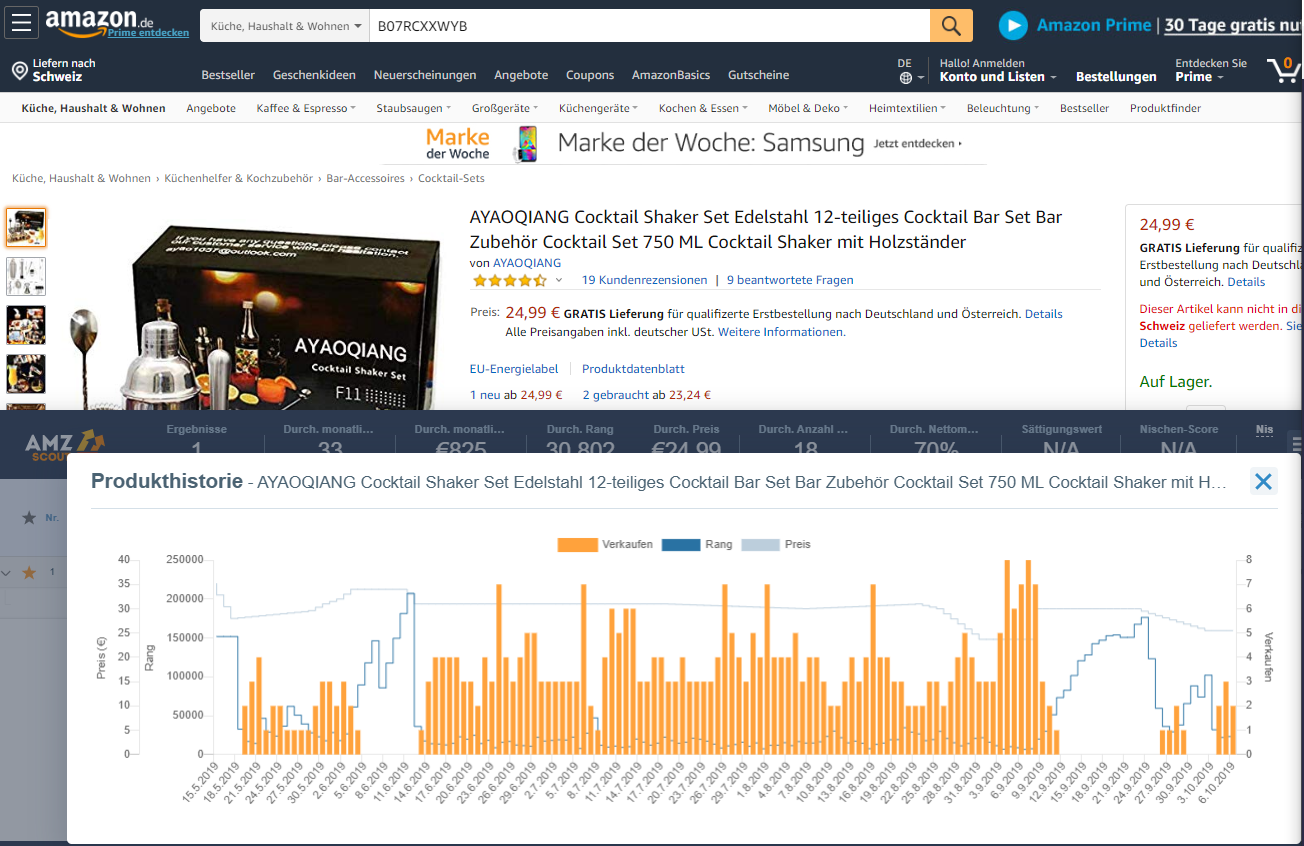
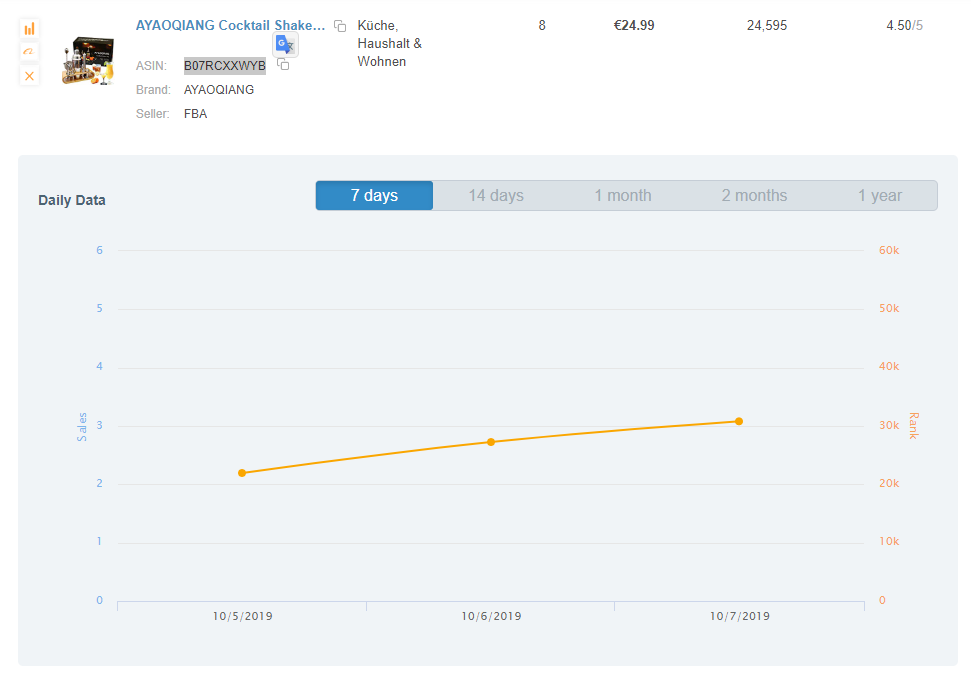
My question is
in the pro extention I can see the everydays estimated sales of the product based on the calculation of amzscout, right?
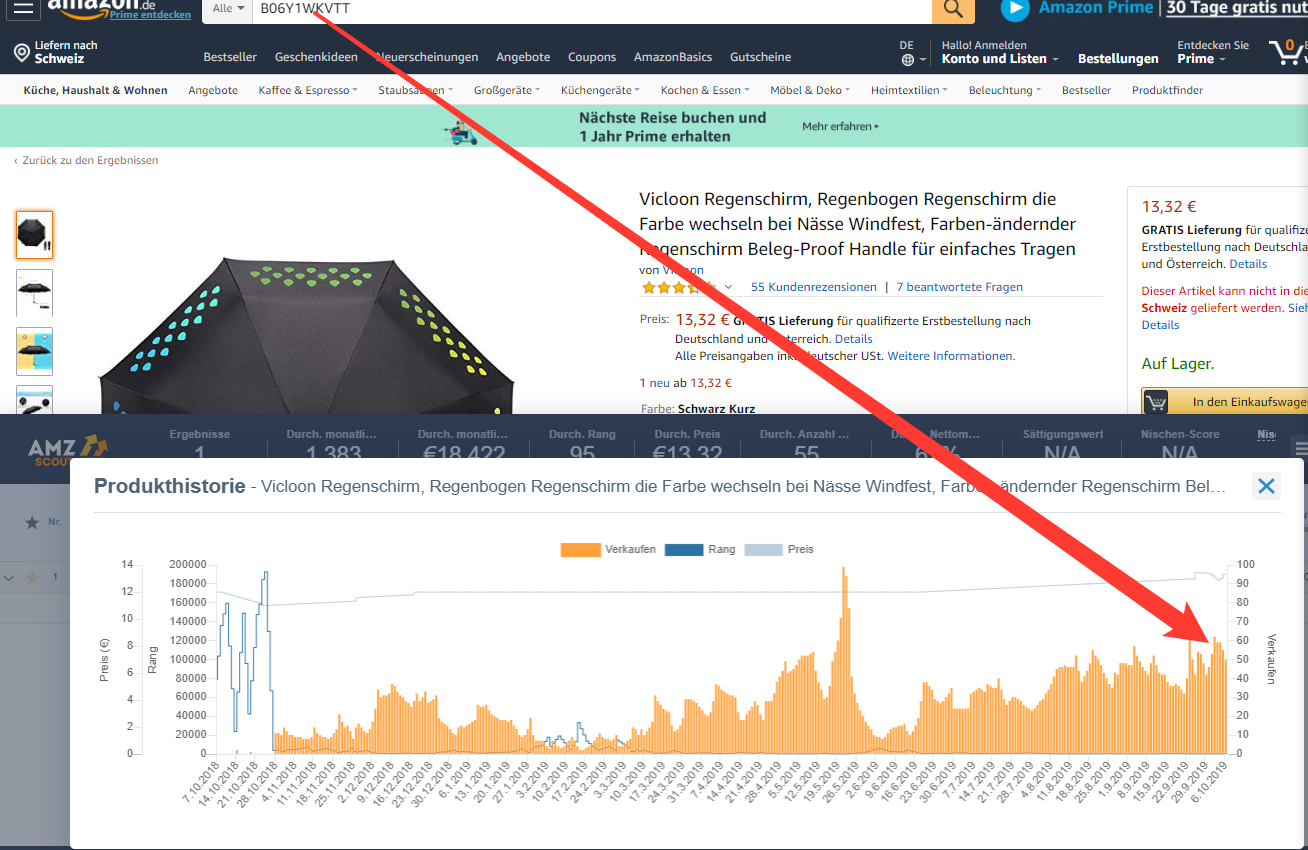
In the amz Product tracker, I can see the everyday estimated sales of the product (doesn't work for all products - look to the previous images send this early morning), which are the grey bar, right?
And the blue bar shows me the real sales, which was made on that specific day, isn't it?
When I compare the image down here with the image just above, the data are not synchronized and make me confused.
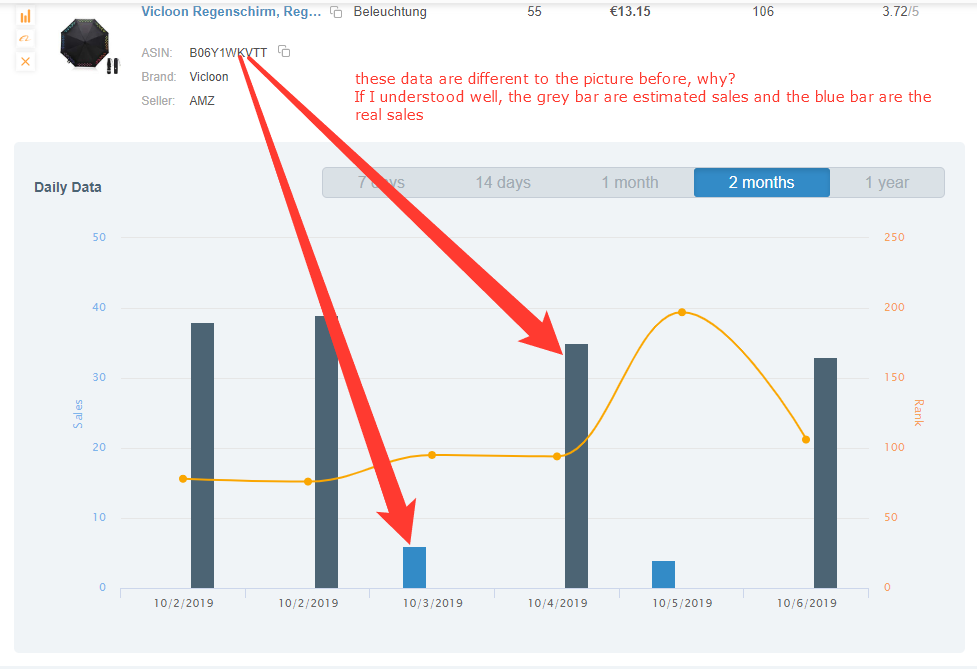
But the most important thing for me is, how can I find out what are the real sales from my tracked product at a certain time? (instead of tracking myself every day, how many products was sold today with the 999 methods).
Could you please give me advice / informations / tell me
1. how to read and combine the data from the product history and from the product tracker?
2. how to find out, how many pieces of my tracked product was really sold in a certain time, without making my own 999 methods aside.
Thanks for your answer.
sorry, this video does'nt answer my question
cooles tool
thanks for your answer
do you mean the link from my amzscout webapp of of each product (asin are in the pictures)?
thanks for your help
Hi Alexis
thanks the two links seem to work. If I have again this issue I will make a screenshot and post it here.
Thanks for your help & have a great day
Customer support service by UserEcho

